For AC220 Coded Keypad
Tuya App AC220 Instruction Manual

Last updated:
Usage
Download the Tuya App
Top
Scan the QR code or enter this link to download the APP.
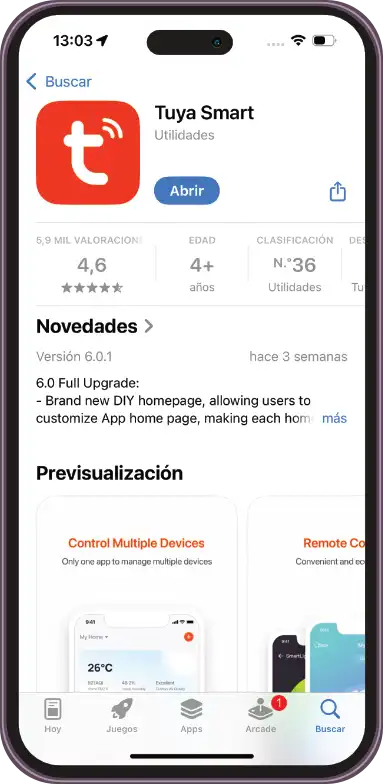
Download the TUYA App from the App Store.
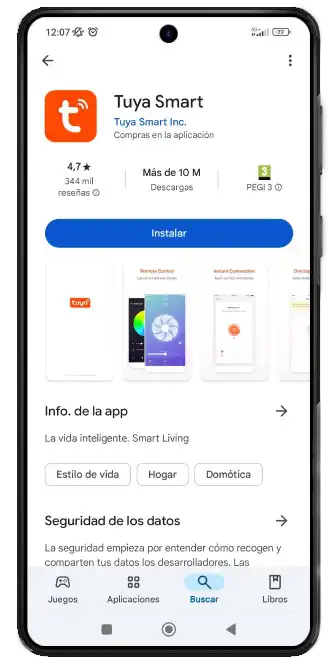
Download the TUYA App from the Play Store.
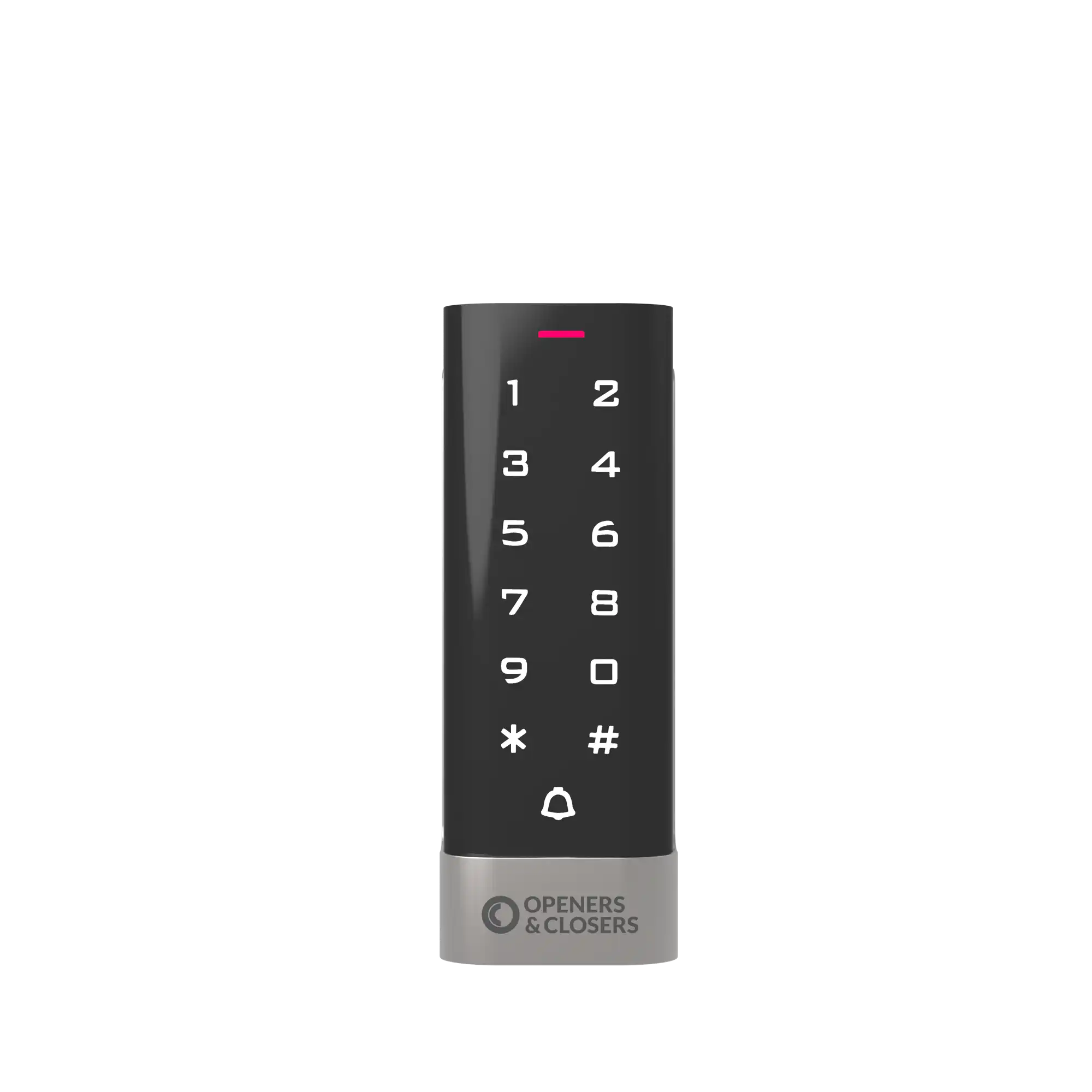
Press [*] [master code] [#] [73] [#] on the access control keypad for Wi-Fi synchronization.
Note: the default master code is 999999.
Usage
Connect Devices
Top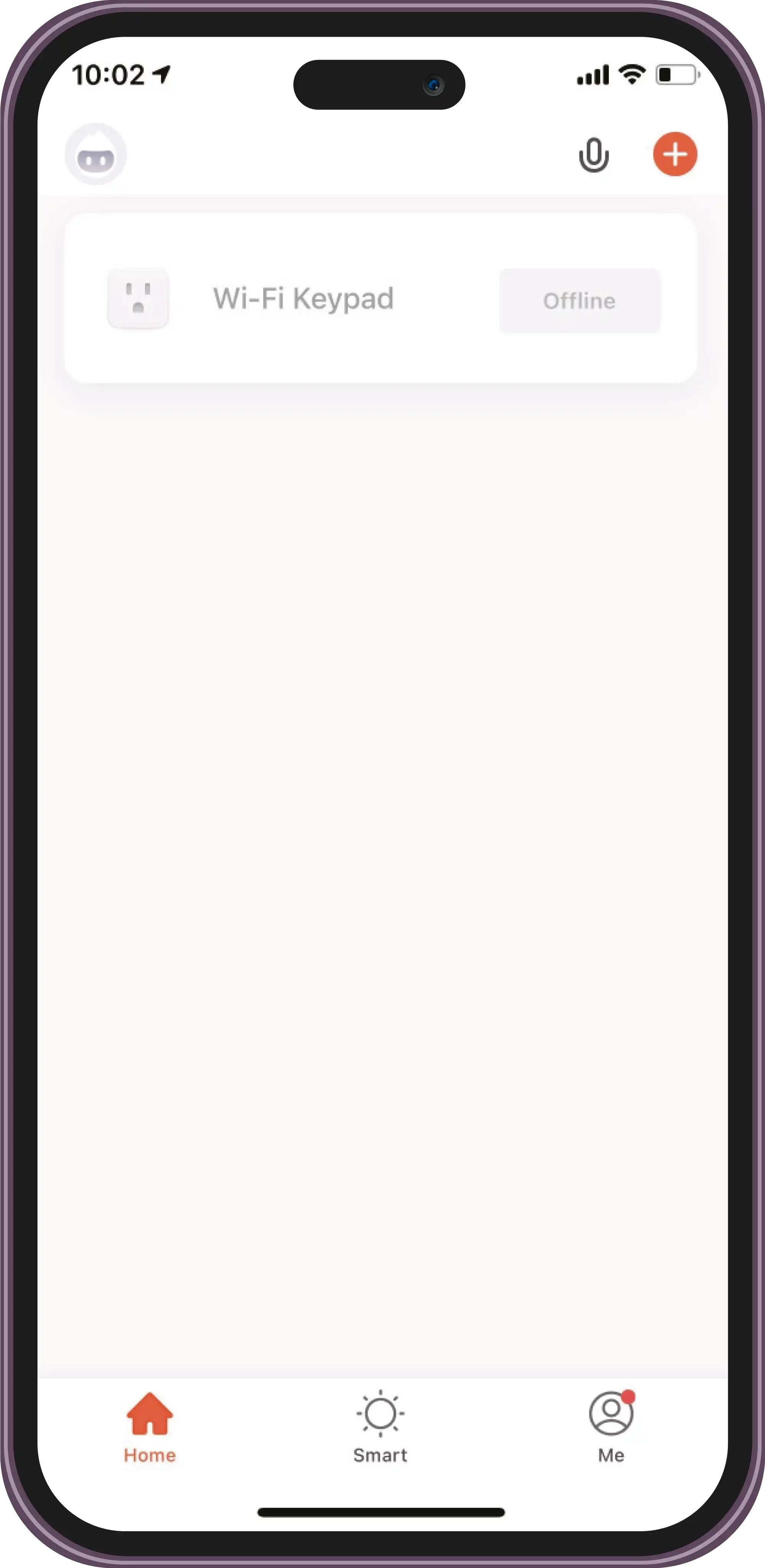
Open the TUYA App to add new devices.
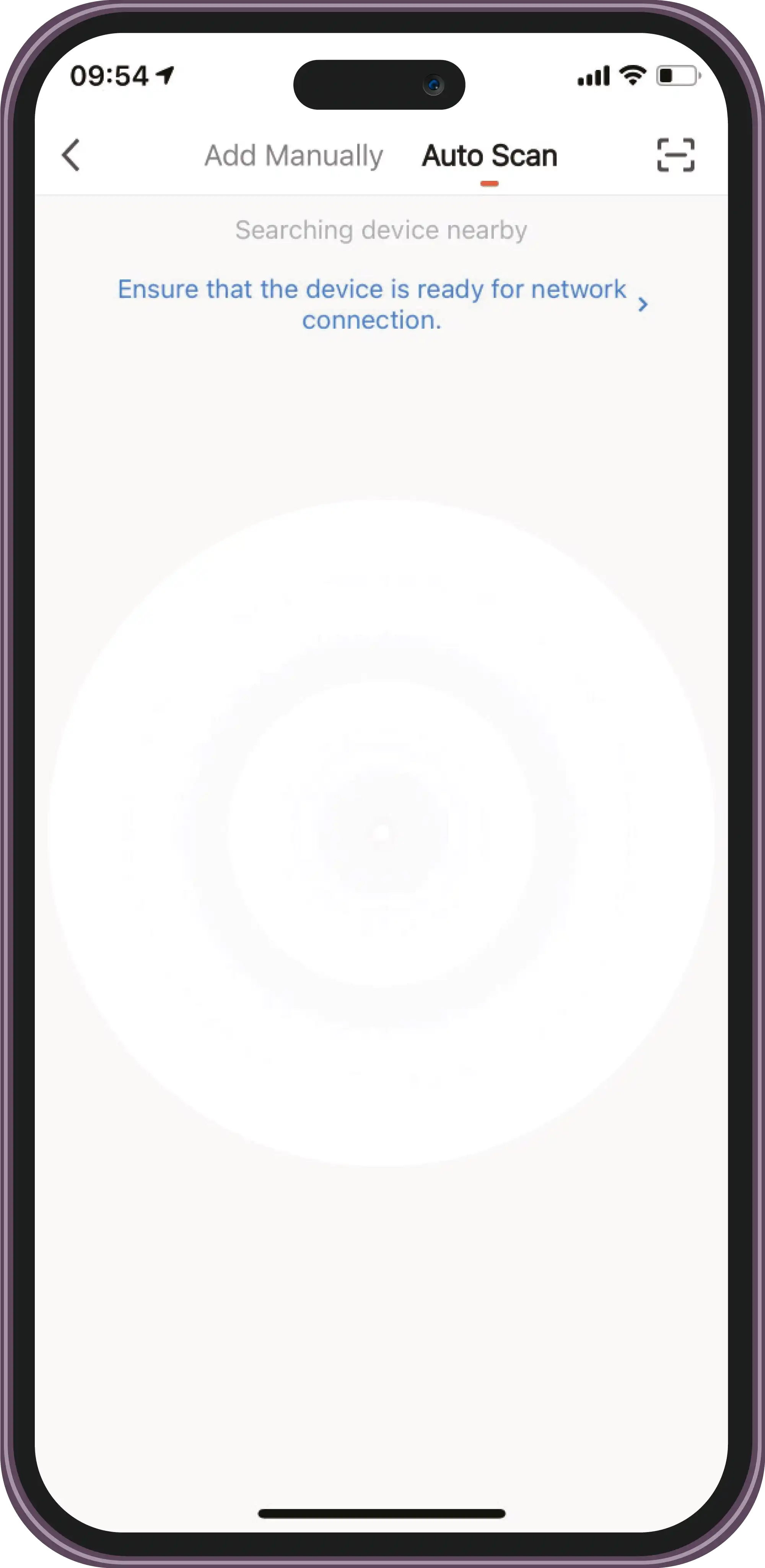
Select 'Auto Scan' and click 'Searching'.
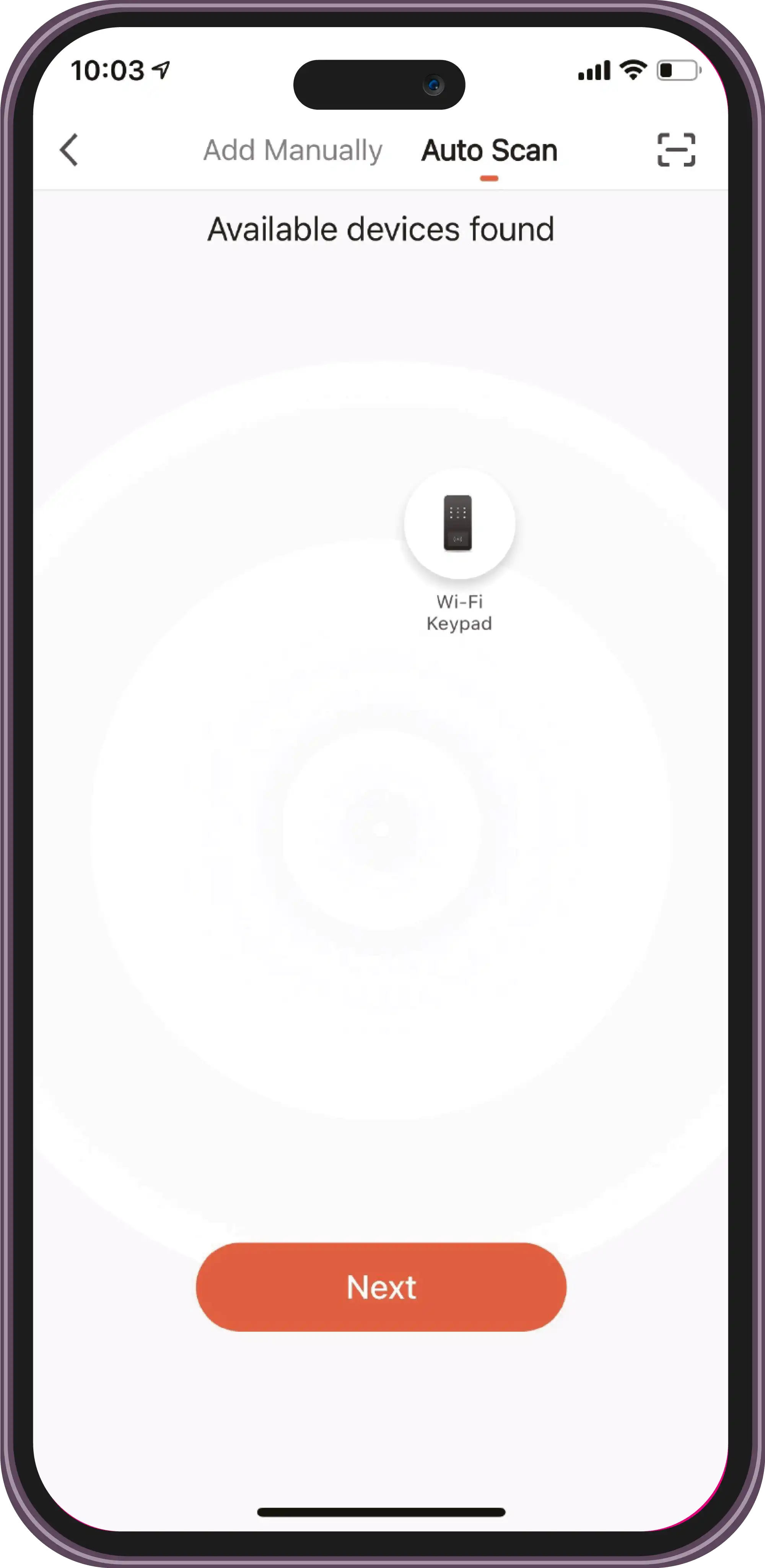
Connect to the available devices.
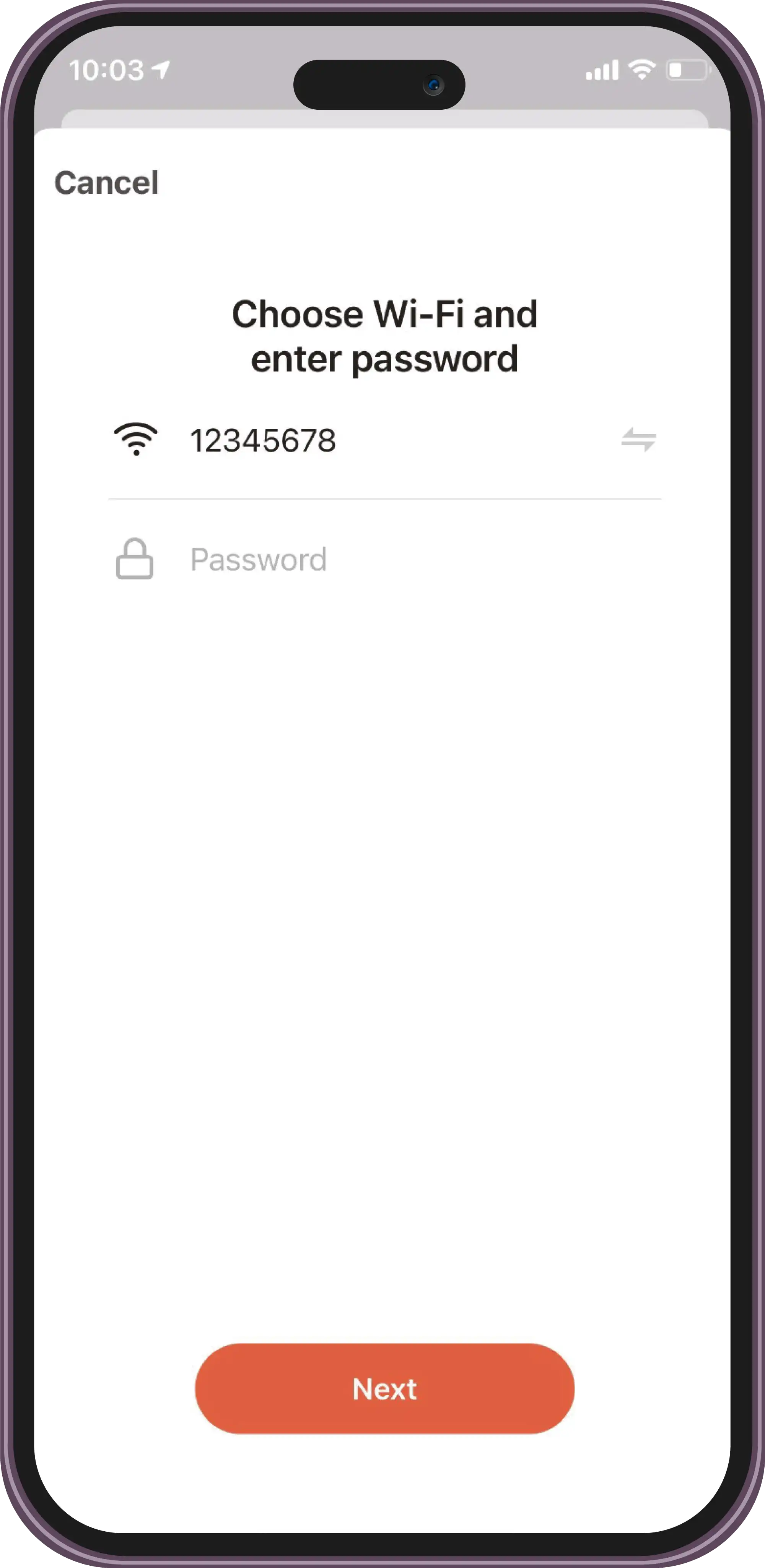
Choose Wi-Fi and enter the password.
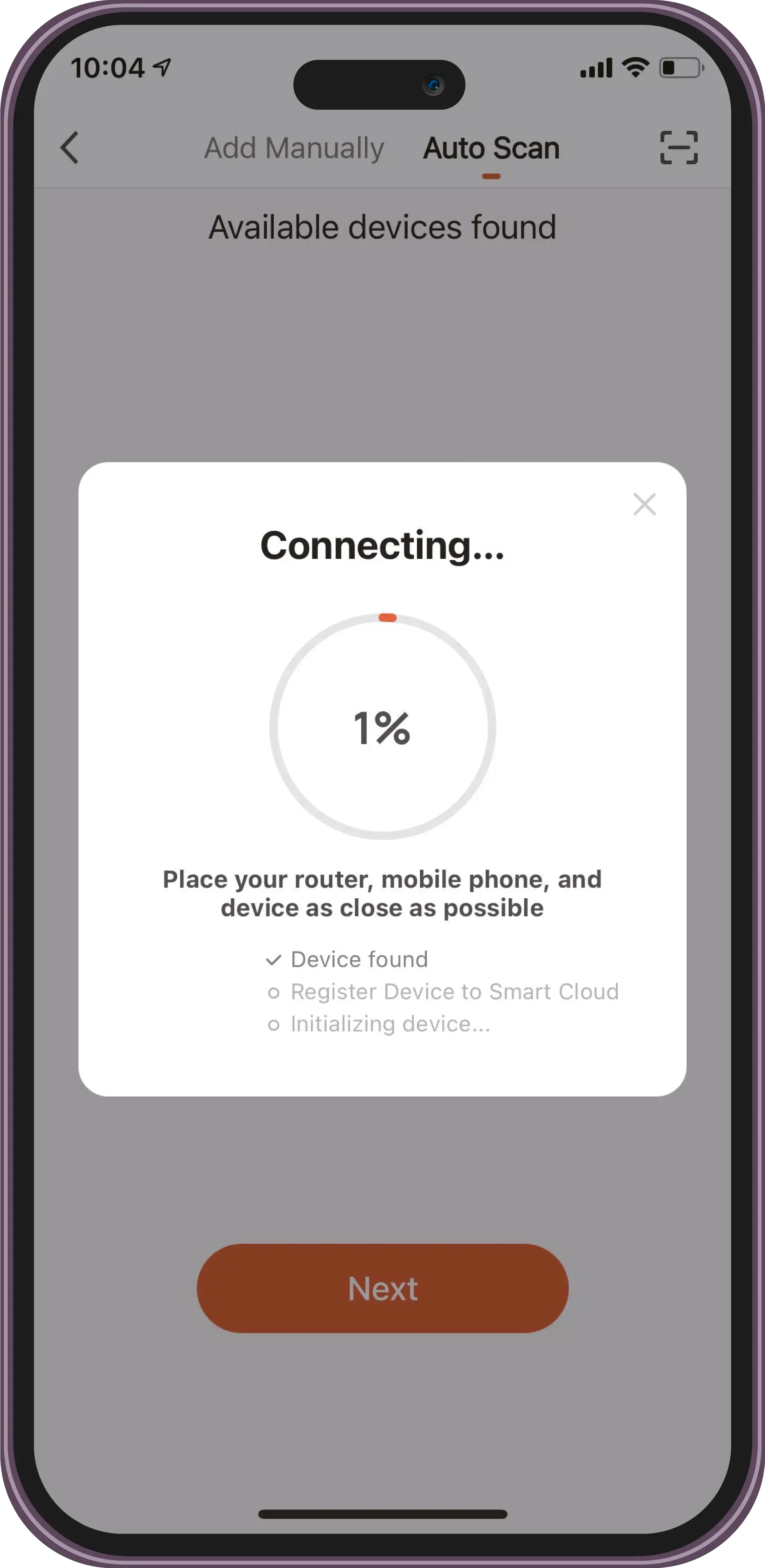
Connecting.
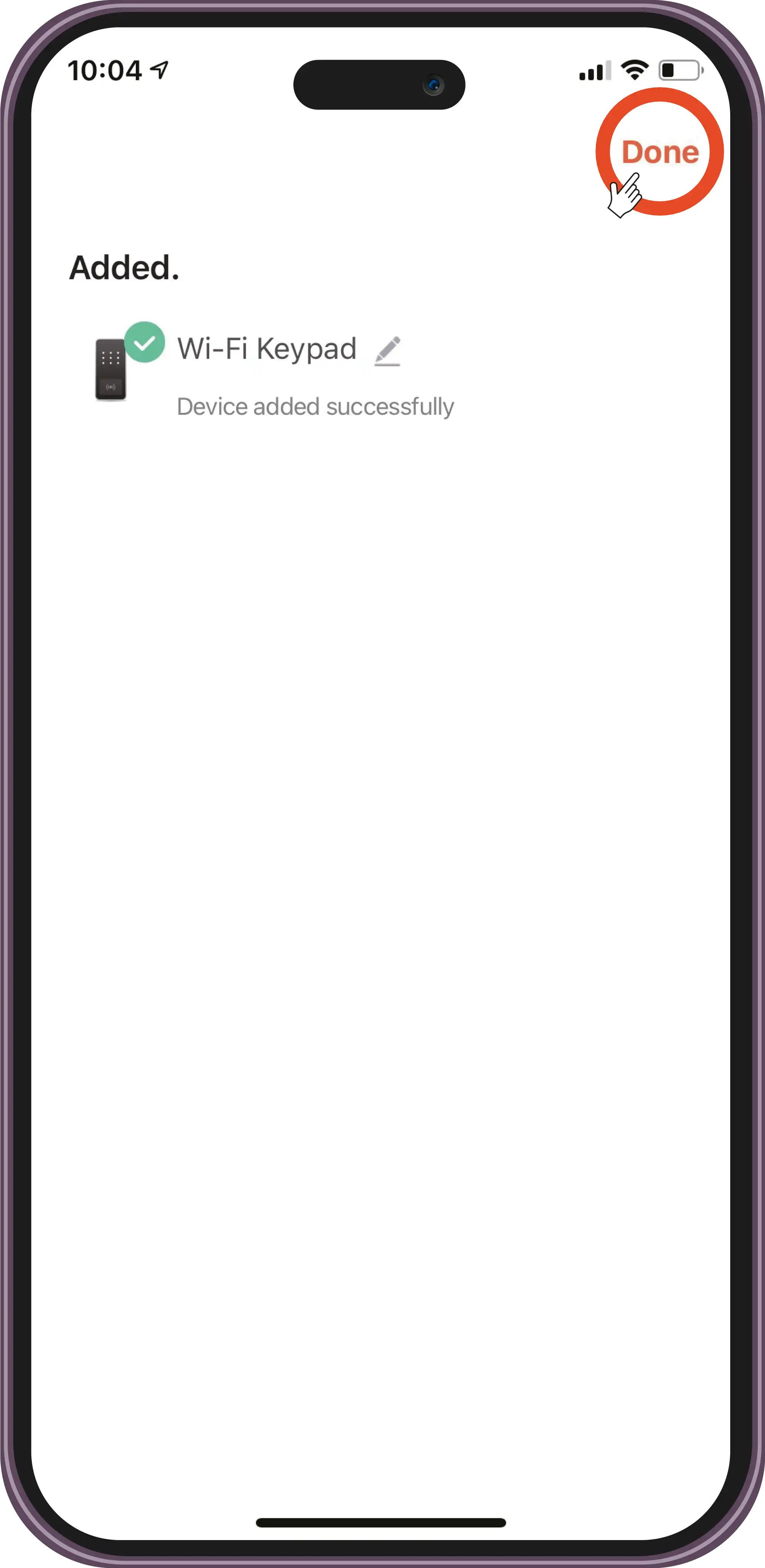
Device added successfully.
Usage
Add a User
Top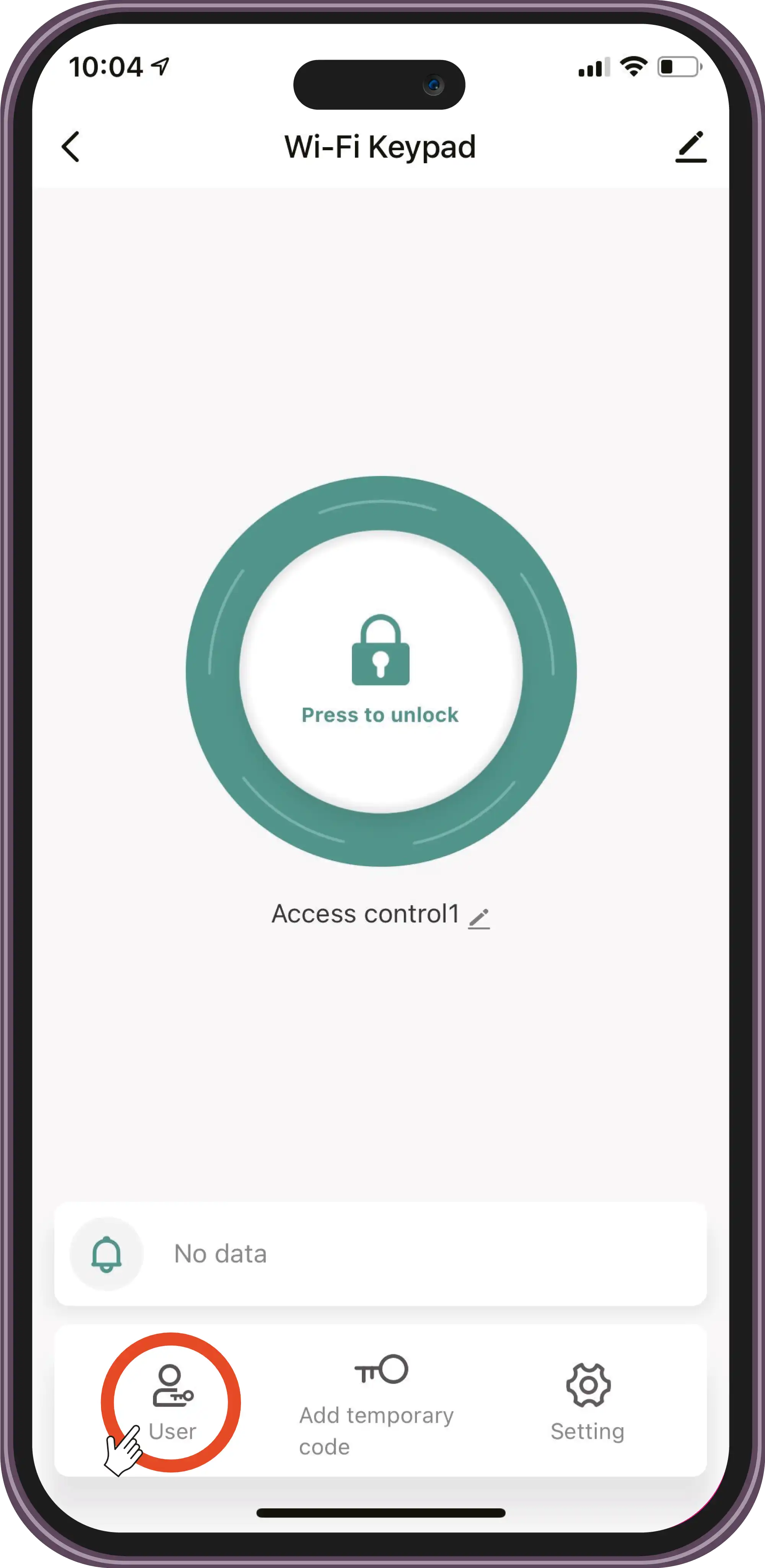
Select user.
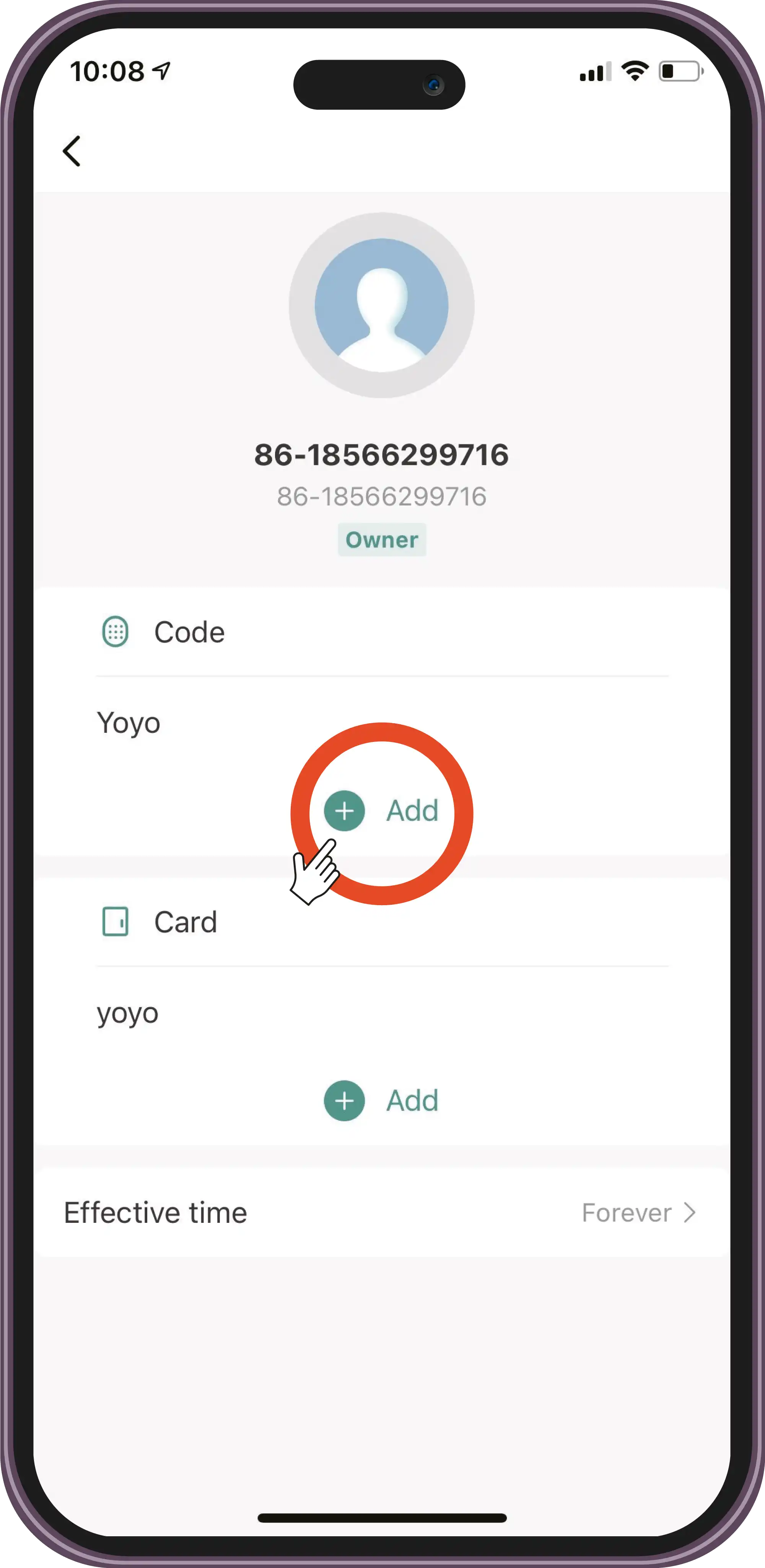
Press '+' and enter the new user's name.
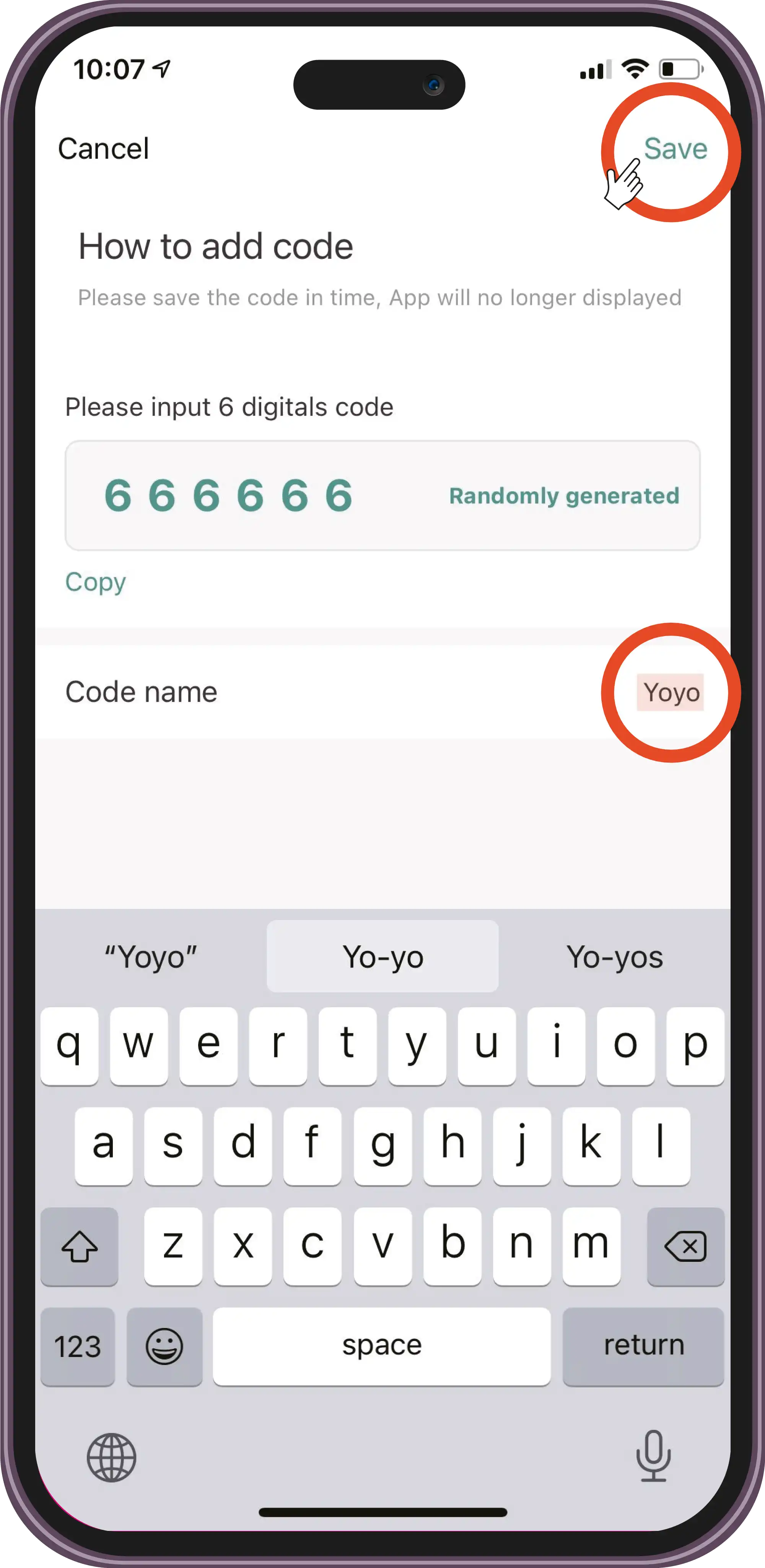
Add the 6-digit code and save the code/user name.
Usage
Add a Card
Top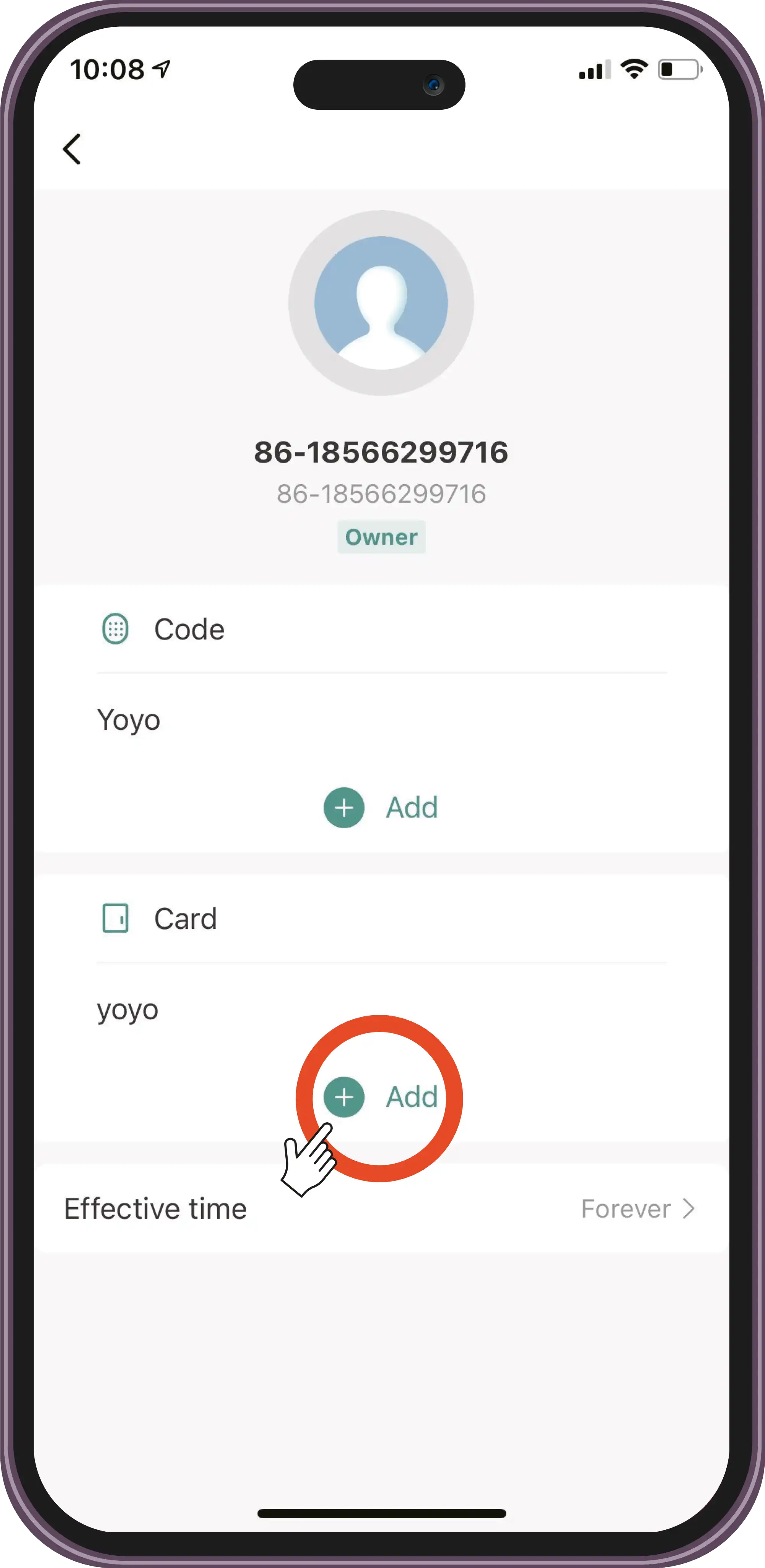
Press '+' and add the card.
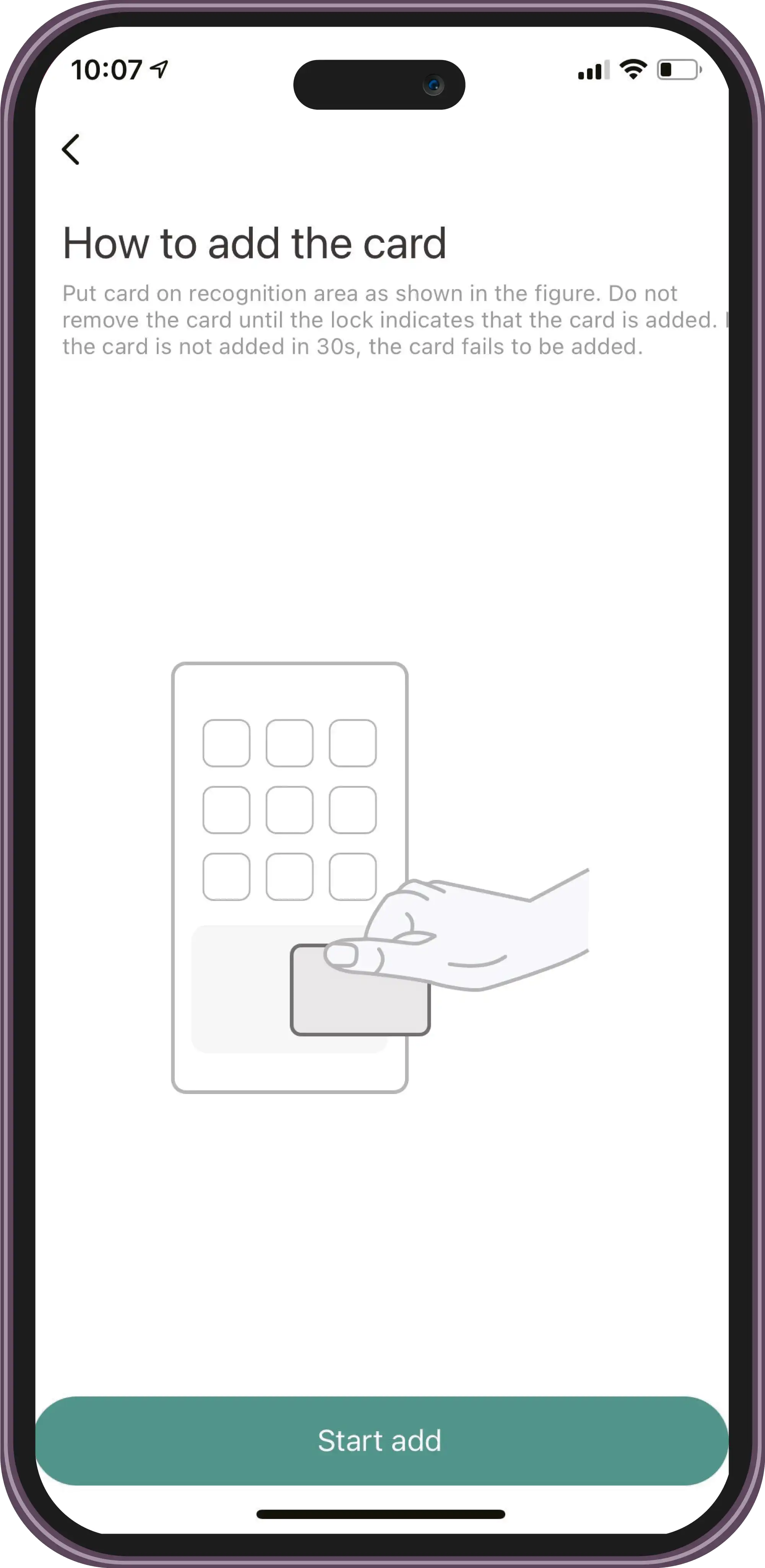
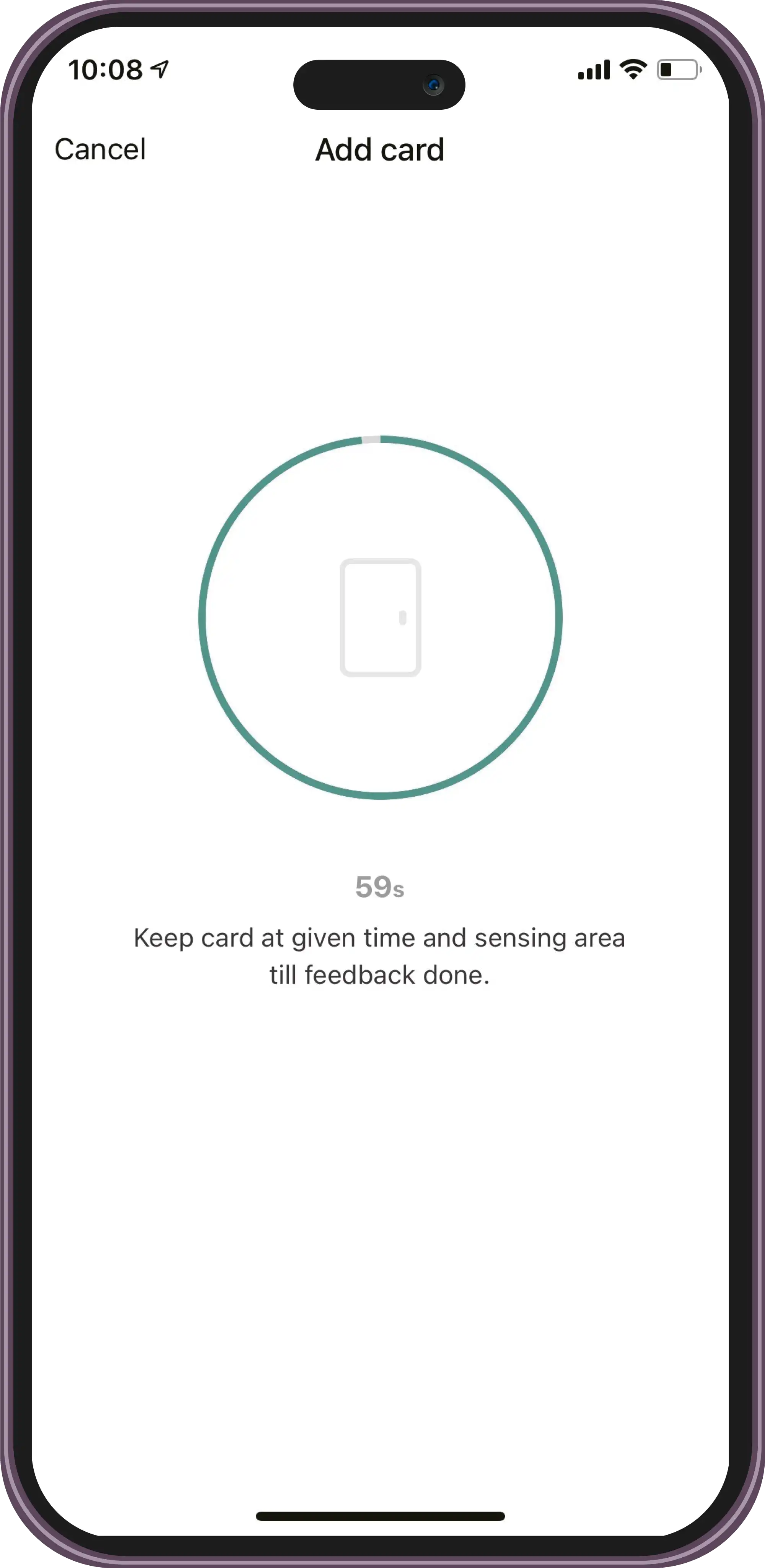
Hold the card near the phone.
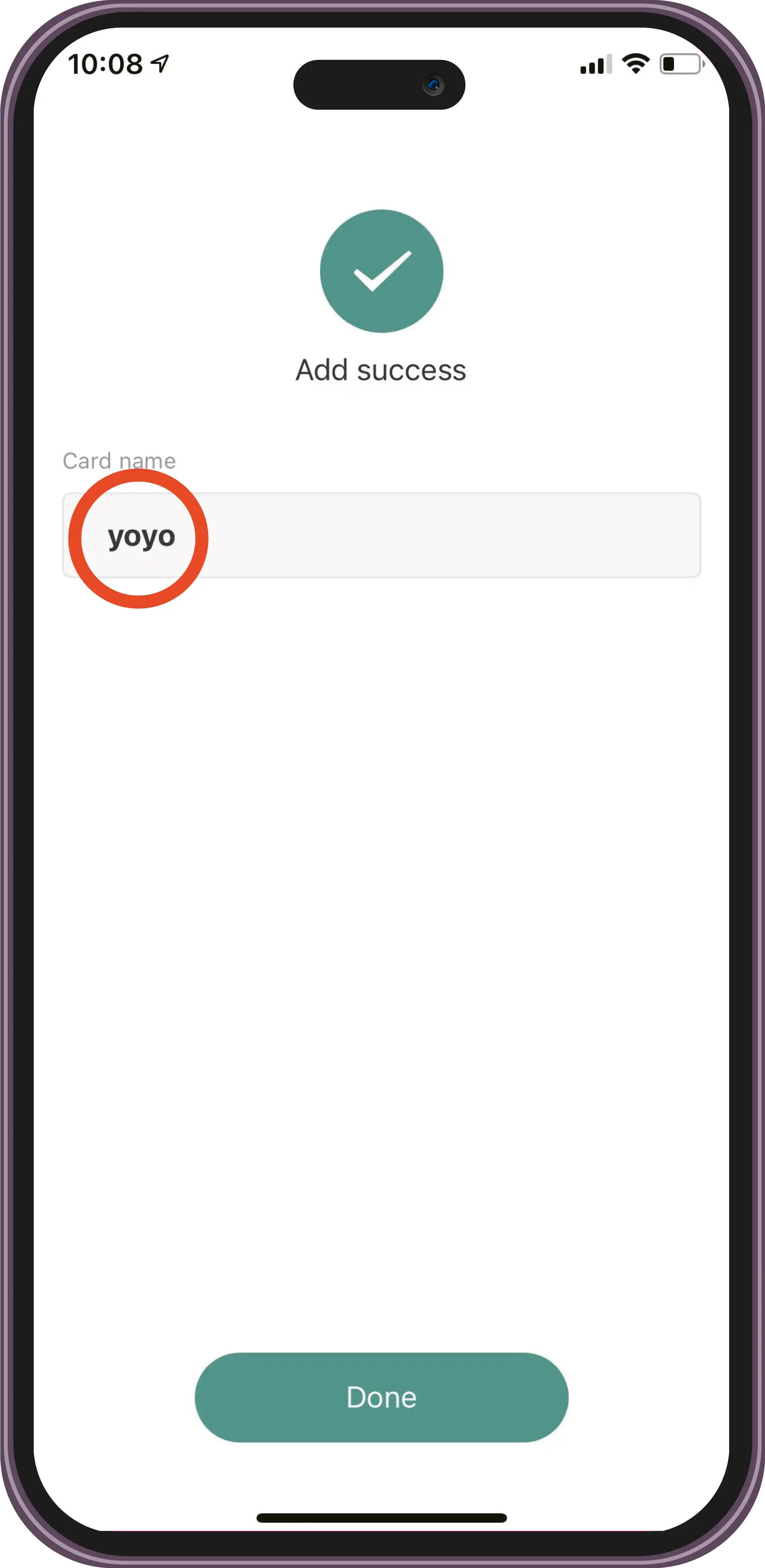
Save the card name.
Usage
Add an Ordinary User
Top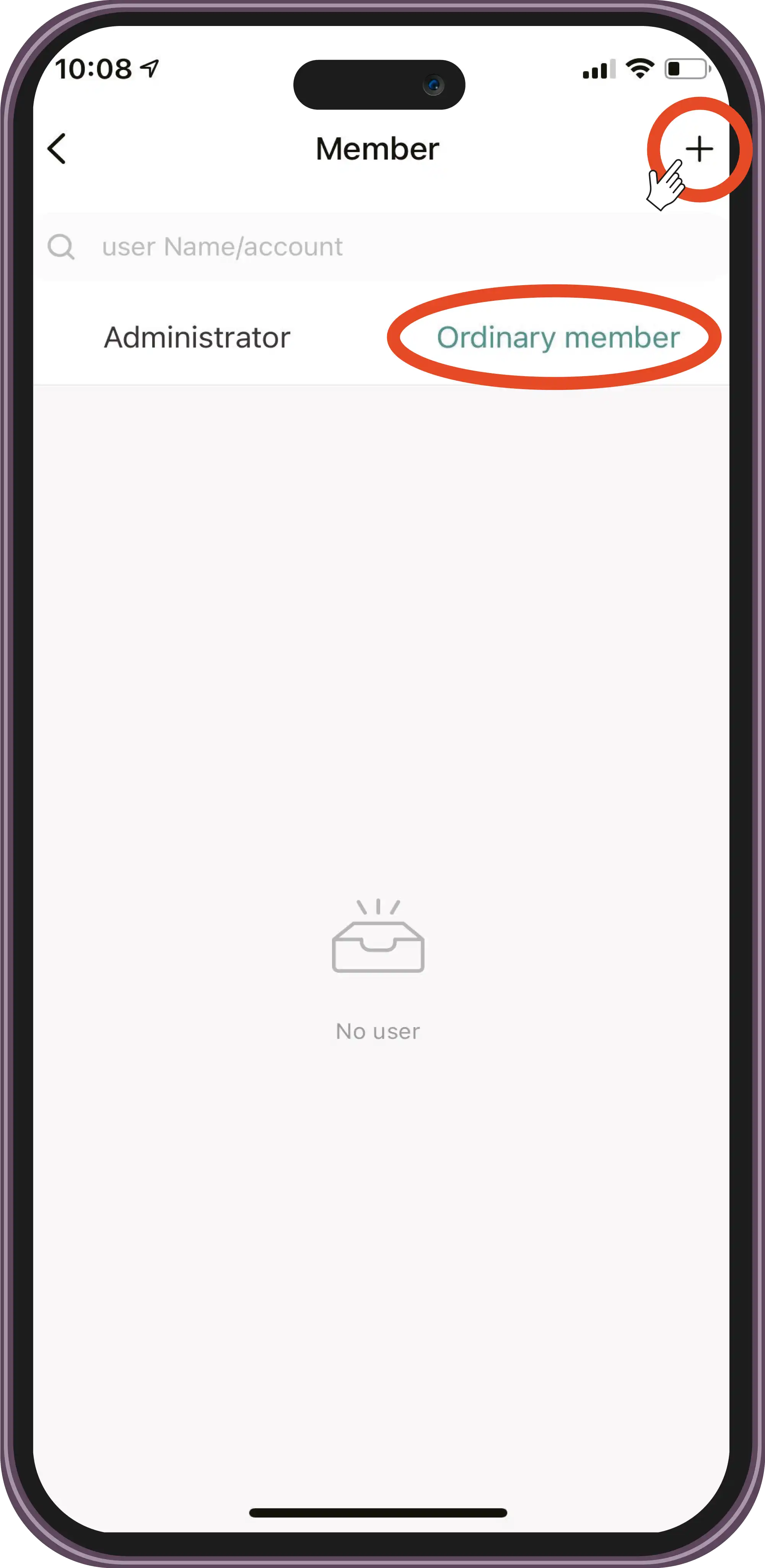
Select 'Ordinary member' and press '+'.
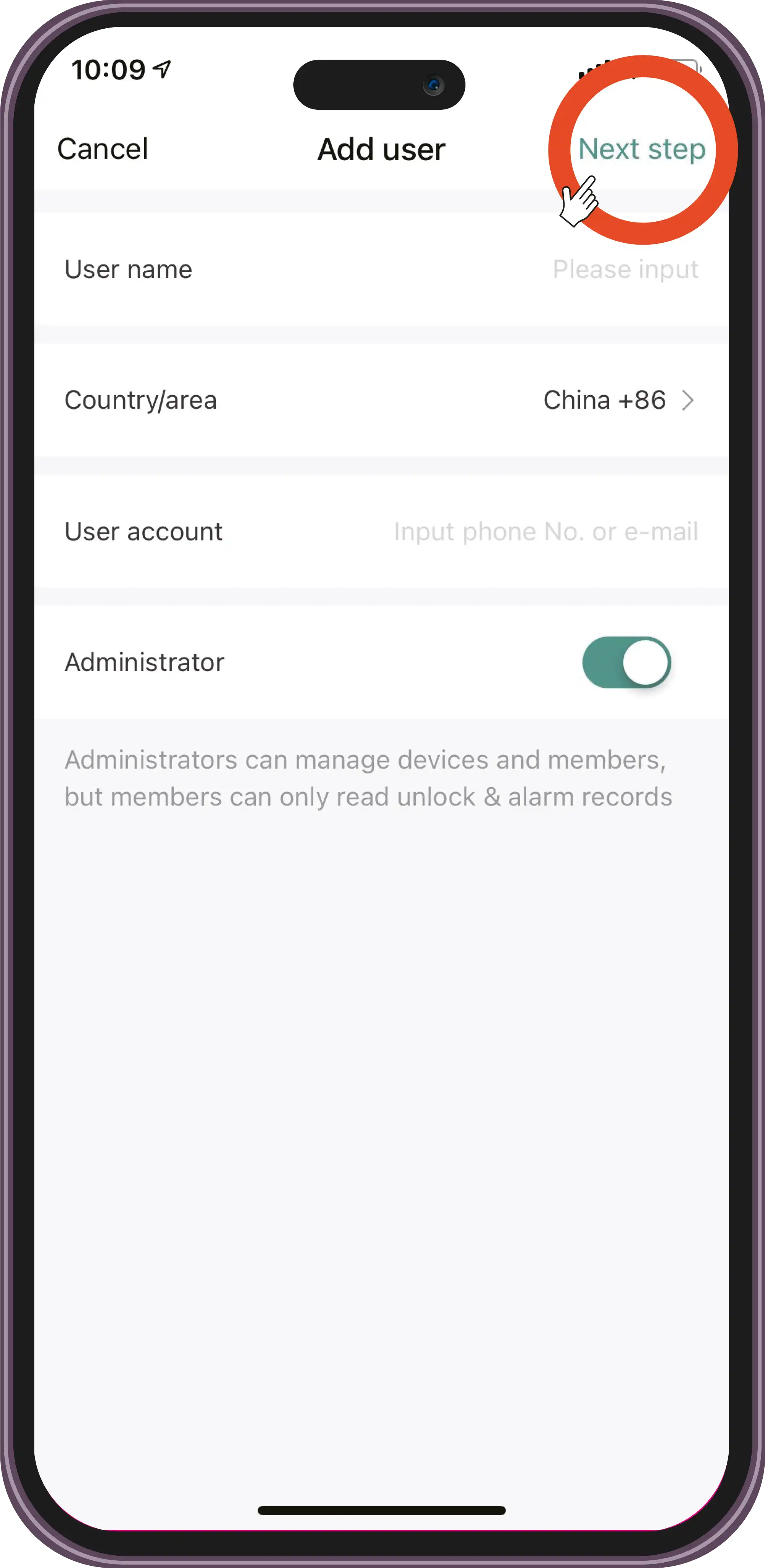
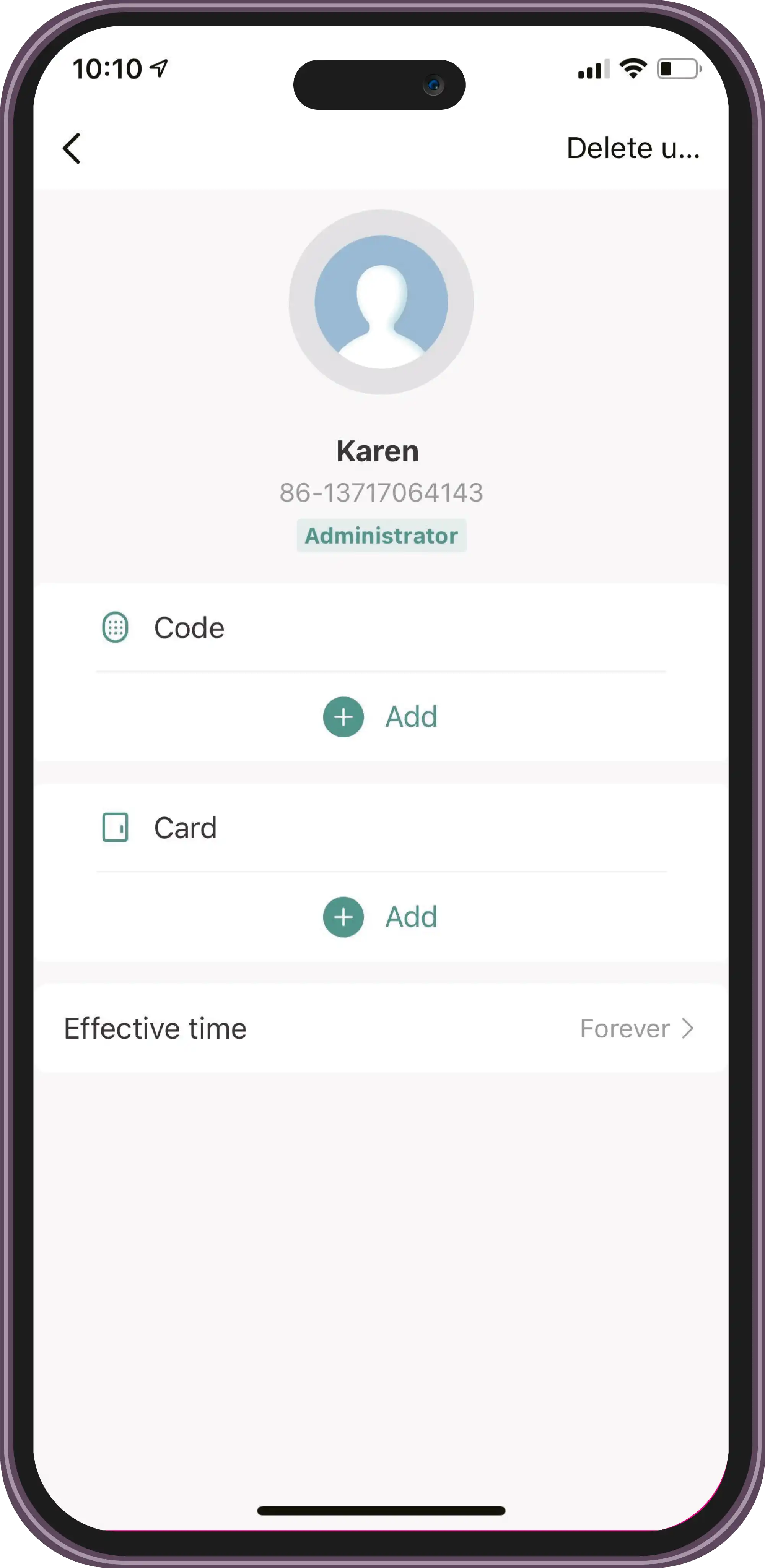
Enter the information.
Usage
Add a Temporary User
Top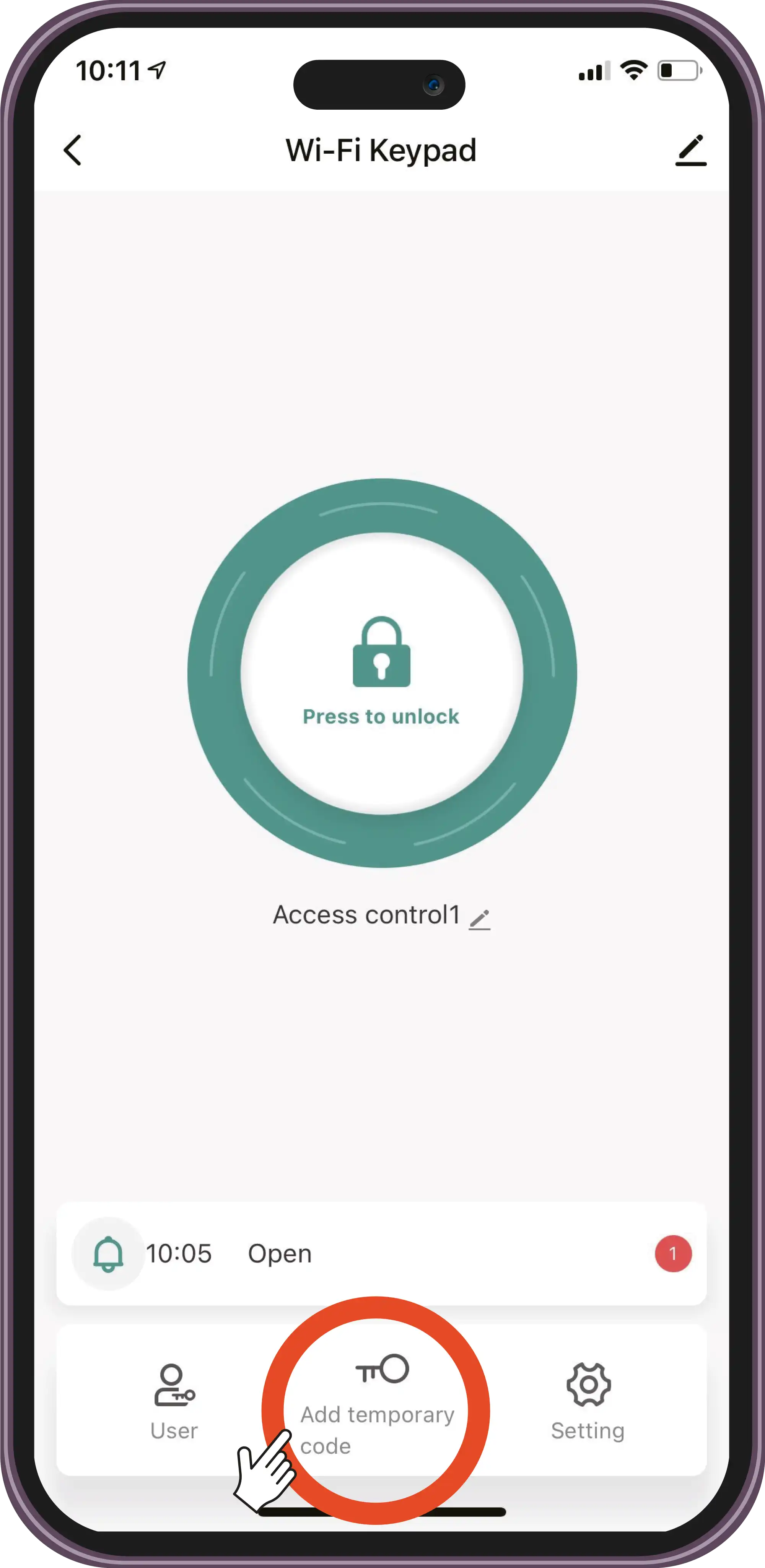
Select 'Add temporary code'. Select 'Cyclicity'.
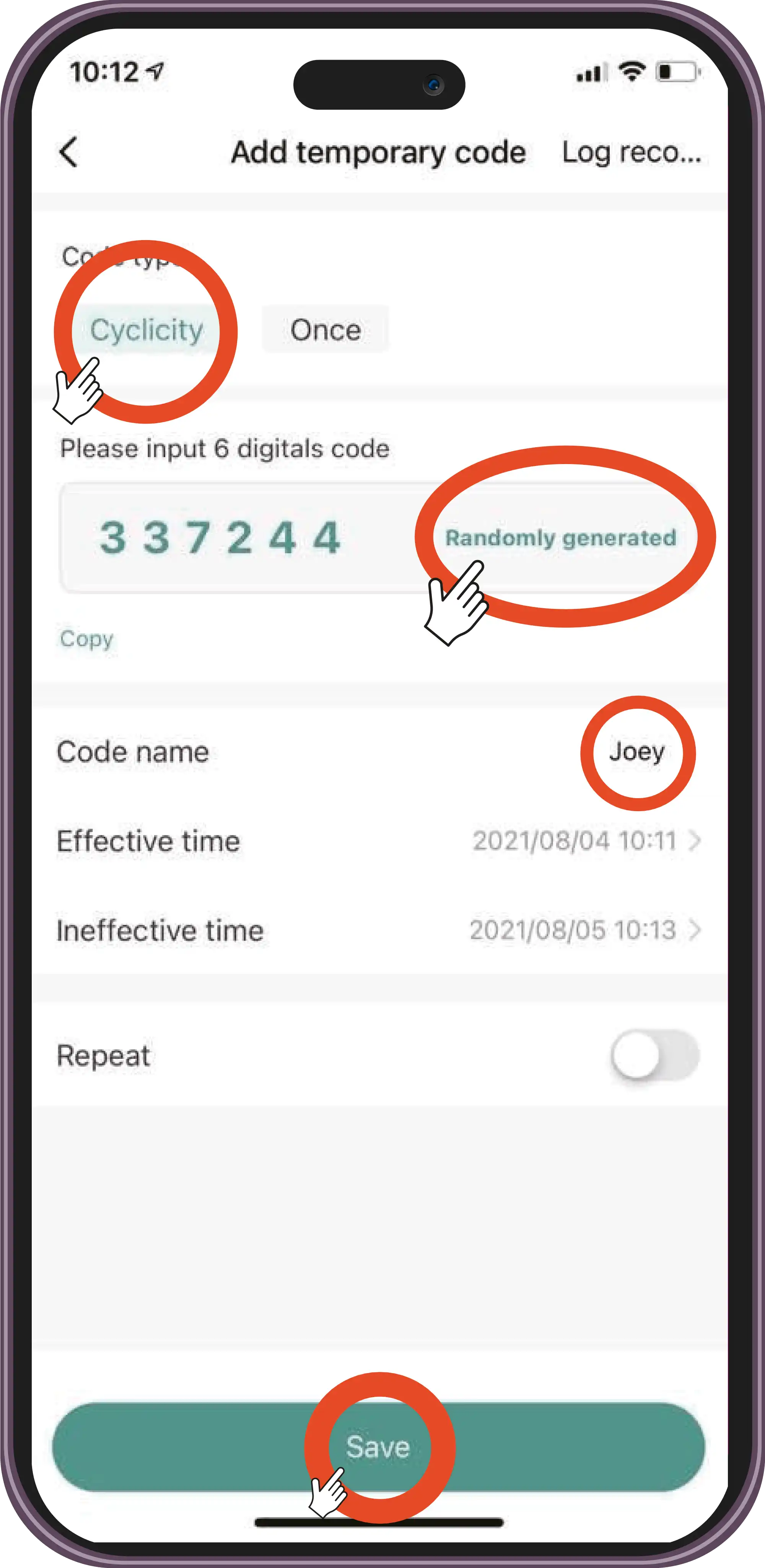
Generate a code randomly and save the code name.
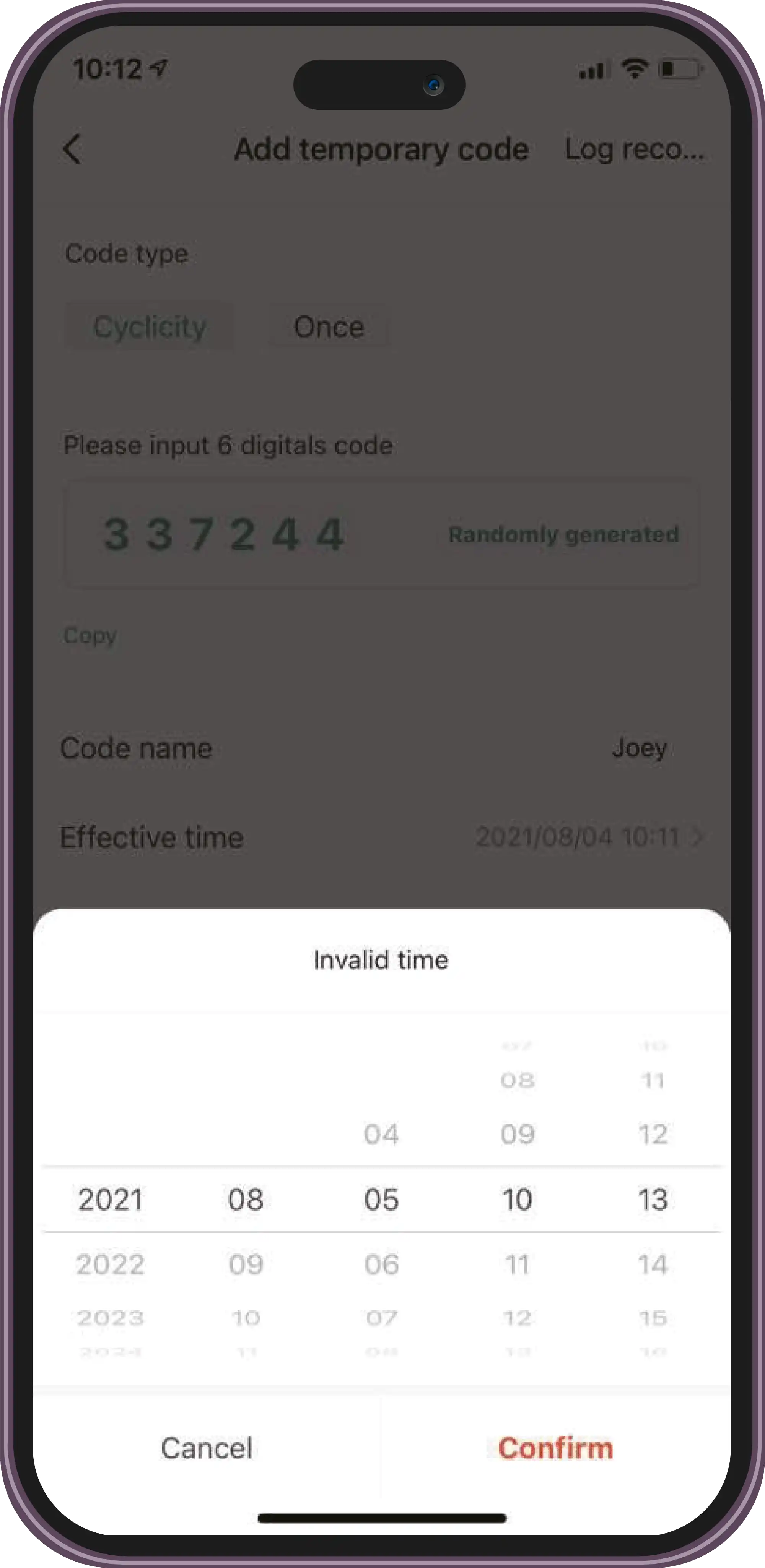
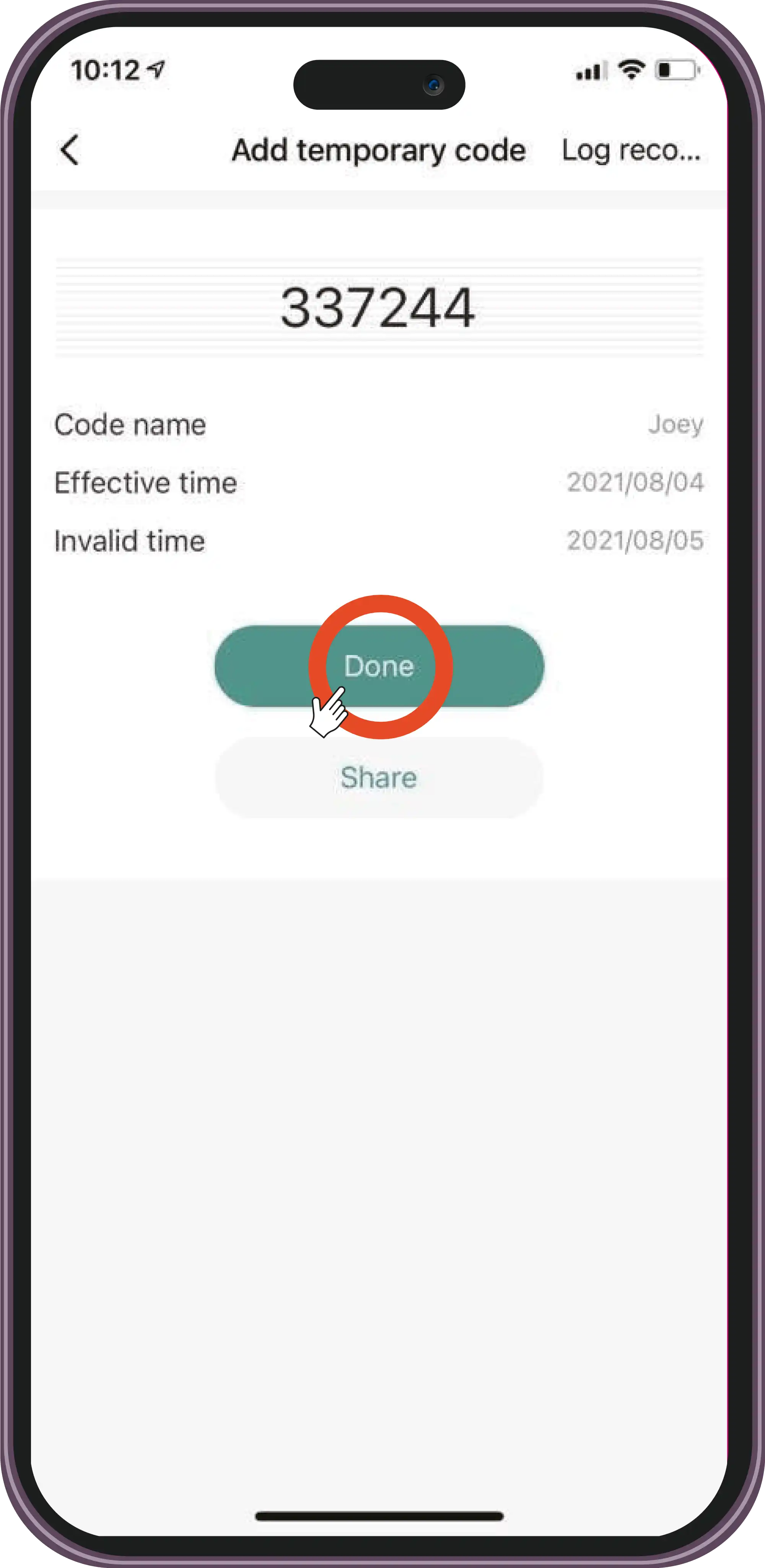
Set the effective time and the ineffective time.
Usage
Add a Temporary Code
Top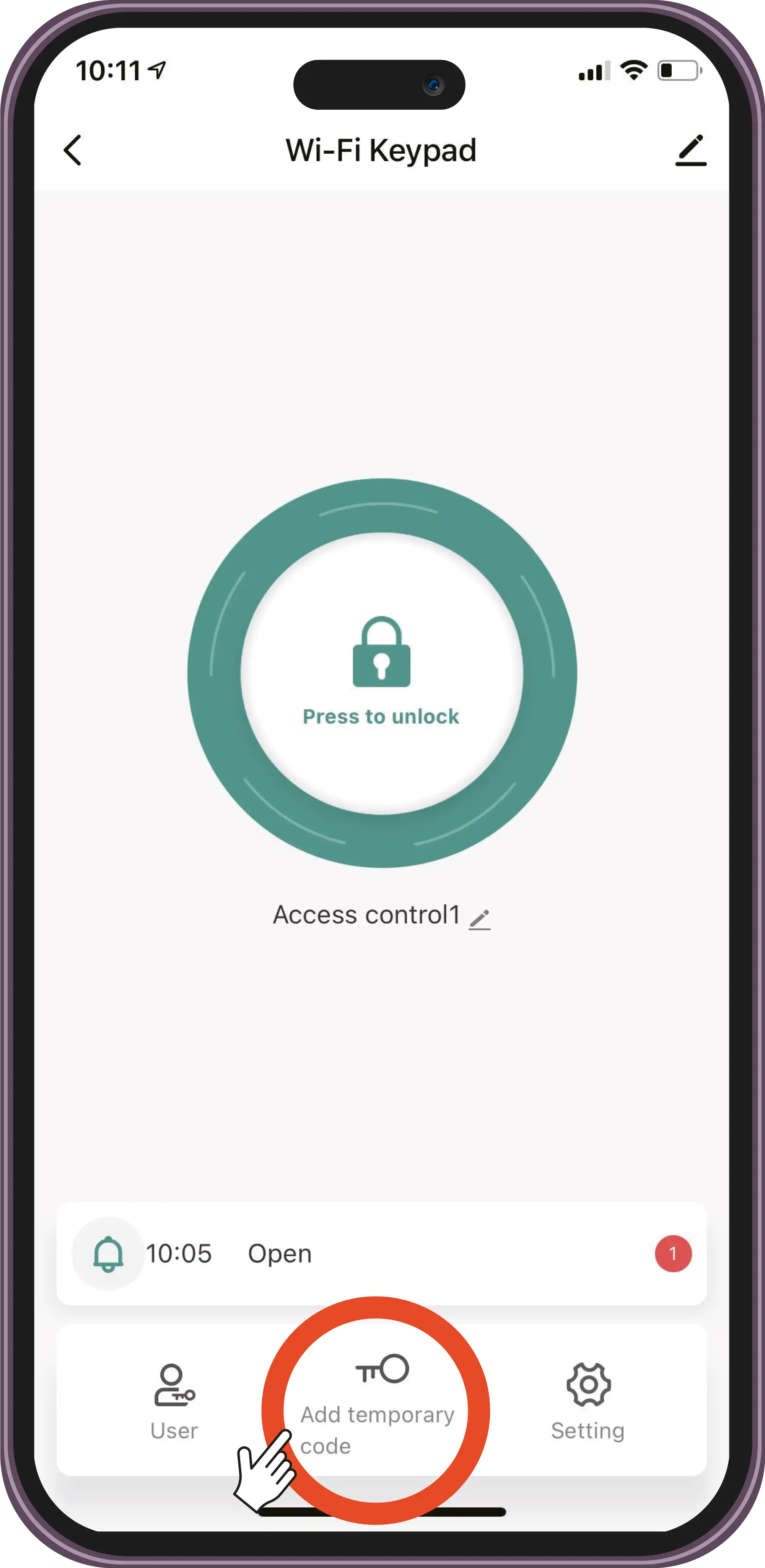
Select 'Add temporary code'.
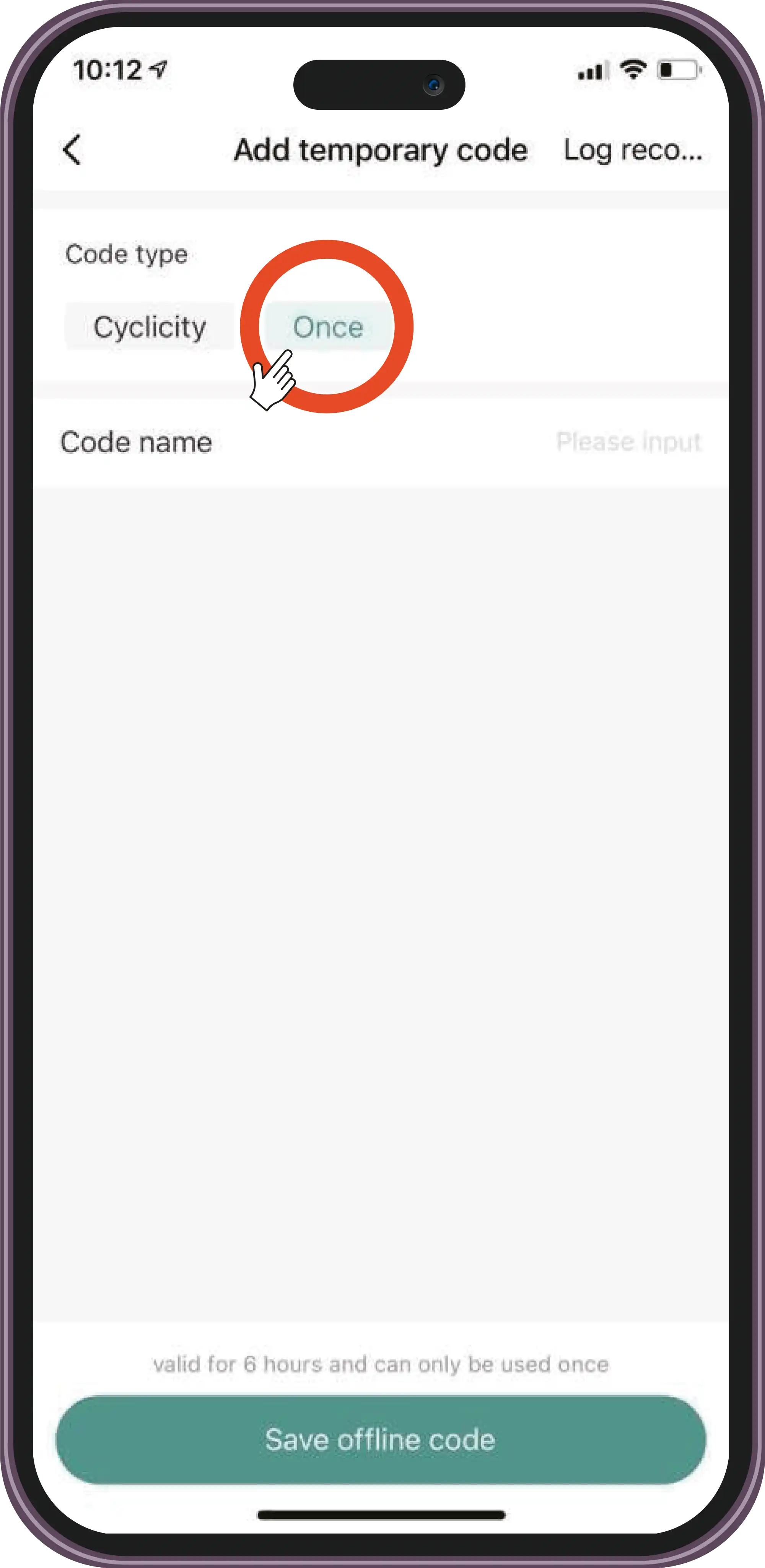
Select the 'Once' option. Enter the code name and save.
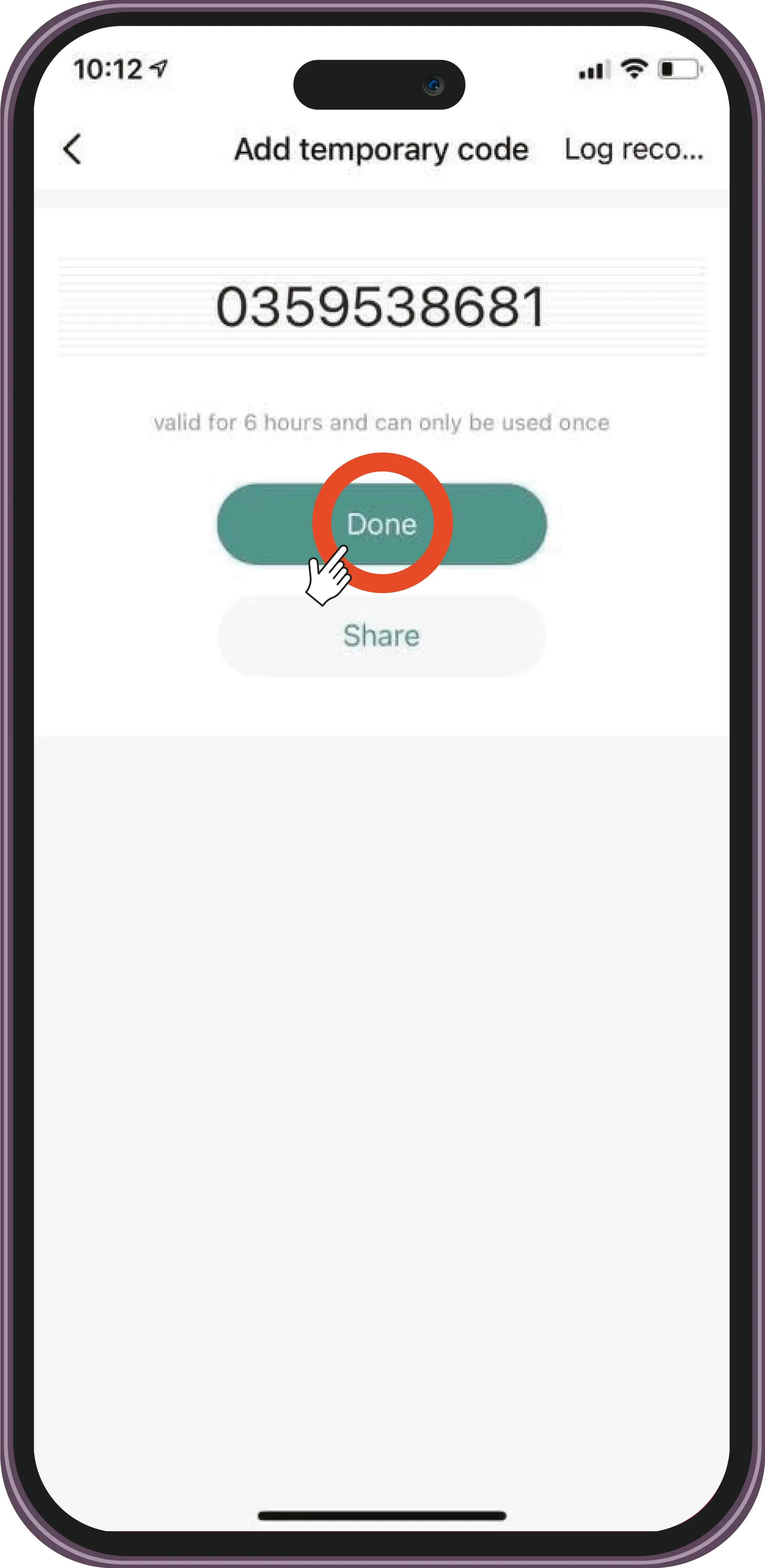
The code is valid for 6 hours and can only be used once.
Usage
Checks
Top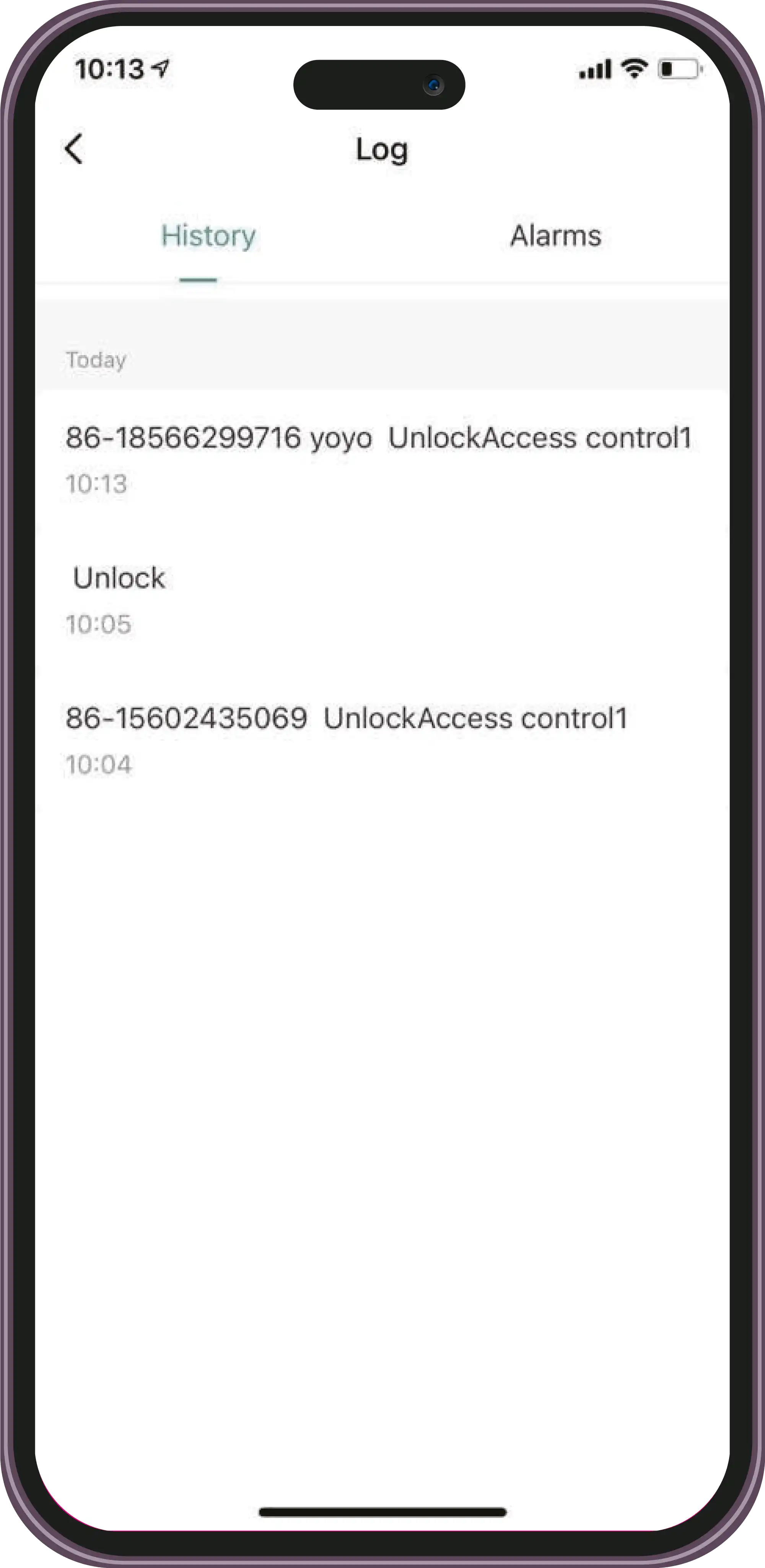
Check the door opening log.
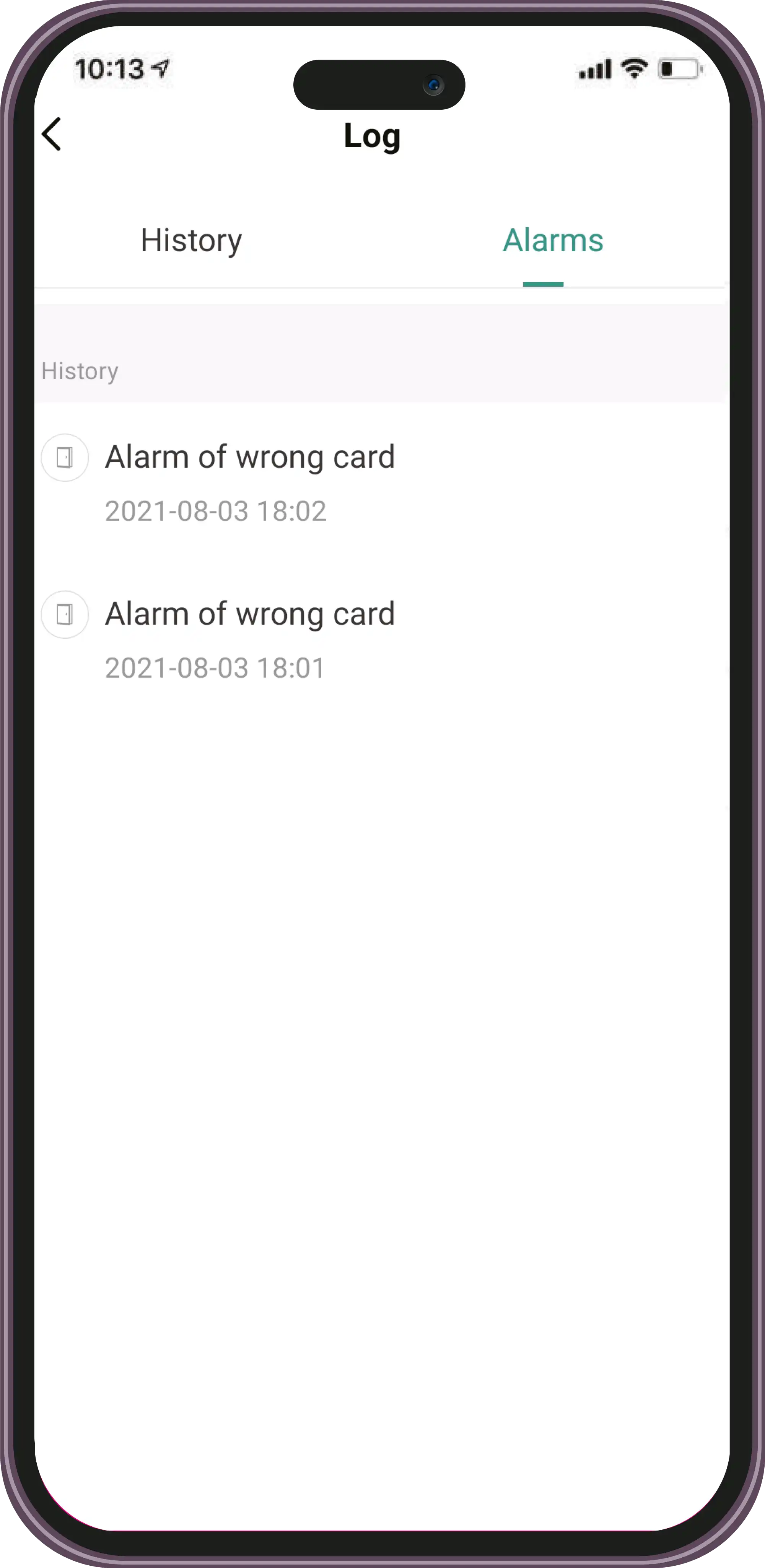
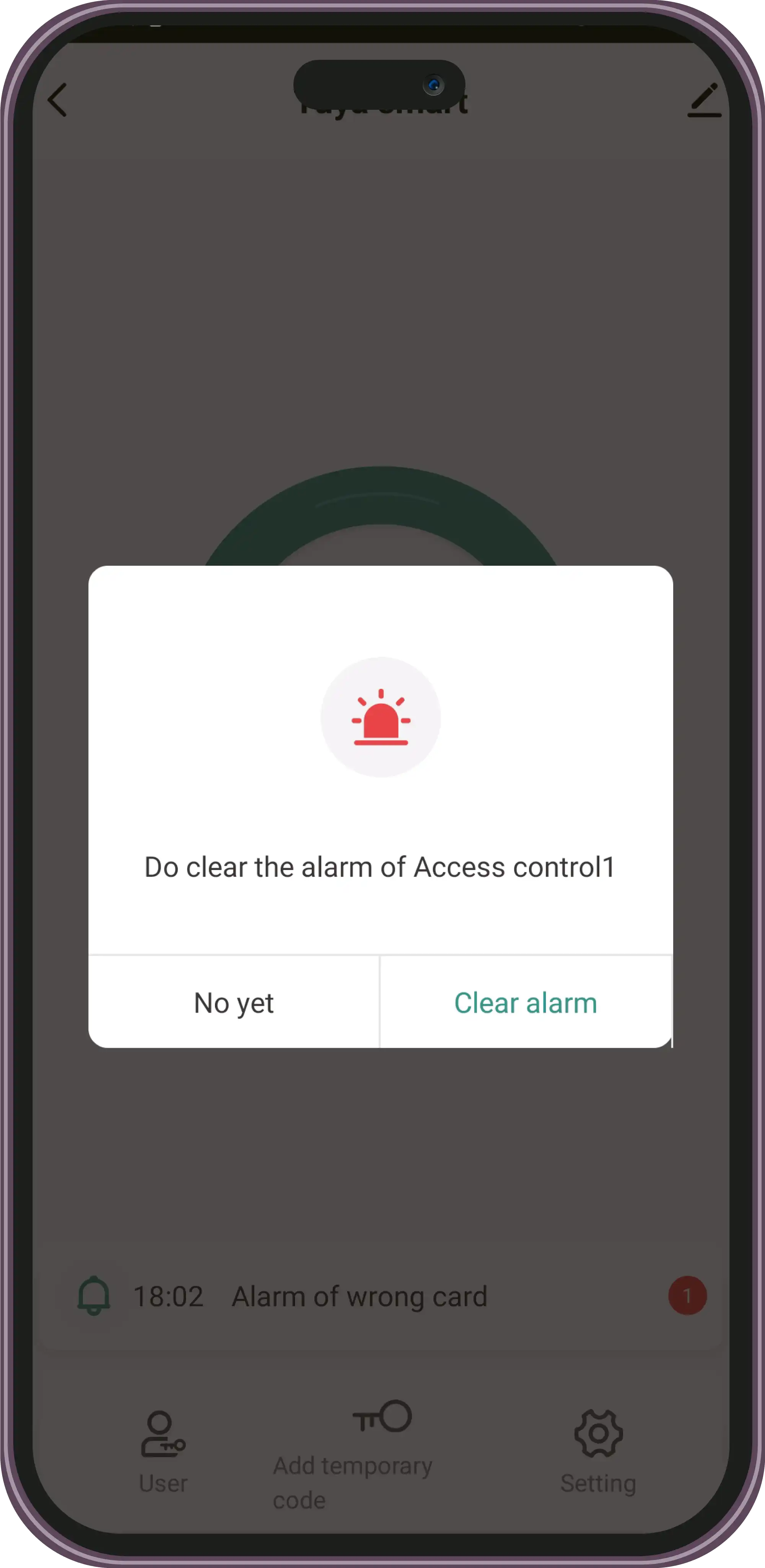
Check the log and delete alarms.
Settings and Configuration
Configuration
TopContact Technical Support
Can't find what you're looking for? Our technical support team can help.
Get Help